
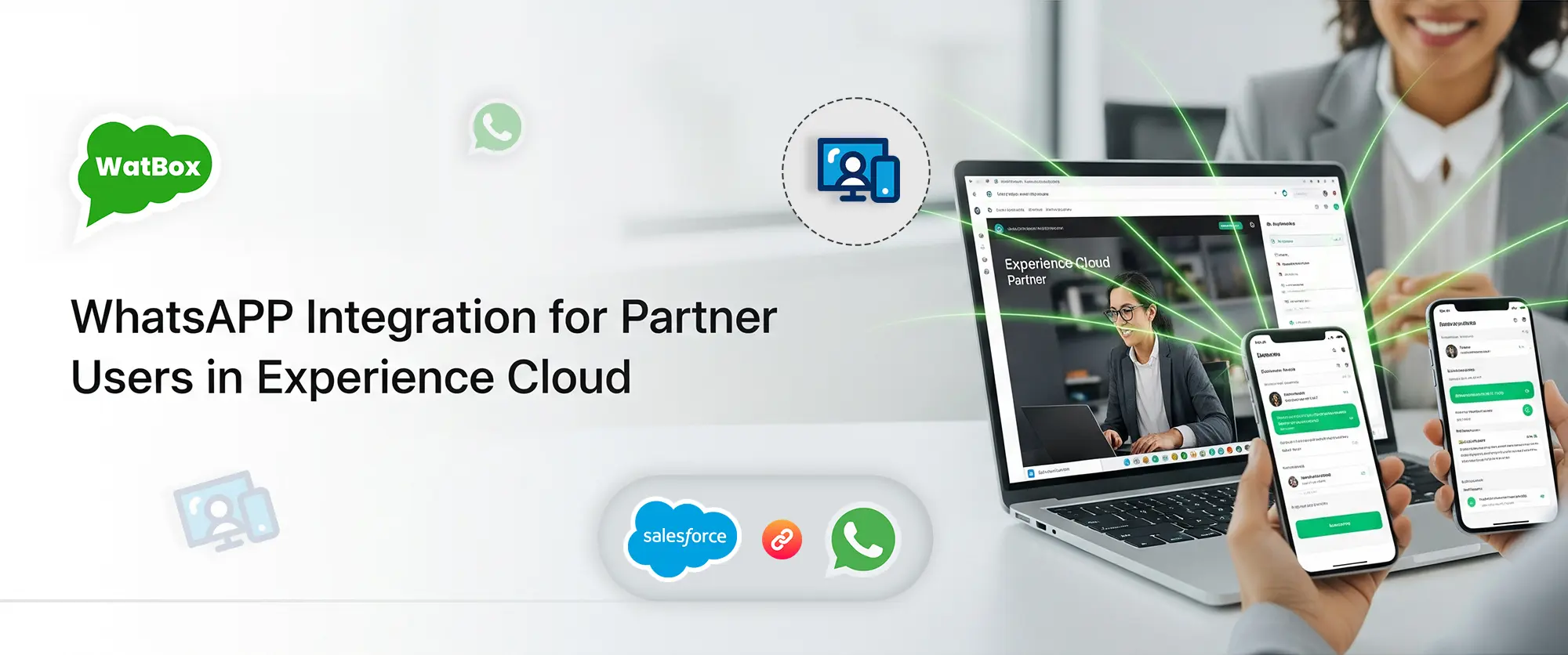

WhatsApp Integration for Partner Users in Experience Cloud
Salesforce Experience Cloud is designed to extend the power of Salesforce to your customers, partners, and employees through branded digital experiences. Now, with WatBox’s WhatsApp integration for partner users, you can supercharge these experiences by enabling seamless WhatsApp messaging directly within your Experience Cloud portals.
📢 What's New?
WatBox now supports WhatsApp integration for partner users in Salesforce Experience Cloud, empowering your portal users — especially partners — to engage with their contacts, manage cases, and communicate in real time through the world’s most popular messaging app.
🔍 Why WhatsApp in Experience Cloud for Partner Users?
With over 2 billion users worldwide, WhatsApp is the go-to channel for both personal and business communication. Adding WhatsApp integration for partner users bridges the gap between portal members and external stakeholders by offering :
- Instant communication
- A familiar interface
- Multilingual and multimedia support
- Mobile and desktop accessibility

🏢 Partner Portal Use Cases
- Agents can initiate WhatsApp chats with leads or clients directly from inside the partner portal.
- Link conversations to Opportunities or Deals for better sales tracking.
- Respond instantly to inquiries, improving closure rates and partner satisfaction.
🔧 WatBox Experience Cloud Capabilities
| Feature | Description |
|---|---|
| Two-Way Messaging | Send & receive WhatsApp messages within the Experience Cloud portal UI. |
| Multi-Conversation Threads | Allow multiple chats per contact, useful for separate inquiries. |
| Case/Lead/Opportunity Creation | Automatically create Salesforce records from chats or message content. |
| WhatsApp Templates | Send business-initiated messages via approved templates. |
| Sync with Mobile App | Let portal users use the WhatsApp mobile app while syncing messages into Salesforce. |
| Role-Based Access Control | Restrict WhatsApp functionality by portal user roles. |
| Real-Time Sync | Auto-sync messages from WhatsApp mobile or desktop into Experience Cloud. |
| Einstein & Flow Integration | Trigger automated workflows or insights based on WhatsApp conversations. |
⚙️ How It Works ?
- Portal User Logs In to the Experience Cloud site.
- WhatsApp Chat Component is embedded on relevant pages (e.g., Case, Contact, or Opportunity).
- User Sends/Receives Messages, which are logged to Salesforce in real time.
- Automations Trigger — such as notifications, case updates, or lead conversions.
🚀 Ready to Enhance Your Partner Portal with WhatsApp?
WatBox’s WhatsApp integration for partner users is a game-changer for businesses looking to streamline external communication without switching platforms.
Whether you're a Salesforce Admin, Partner Manager, or Service Head, WatBox enables faster, more personalized communication — right inside your Salesforce Experience Cloud partner portals.

Level up WhatsApp Integration with Salesforce
Start with a 15 day trial for you to taste the CRM + WhatsApp interactions!