
WhatsApp Business Features

Inbound Messages

Outbound Messages

Notification
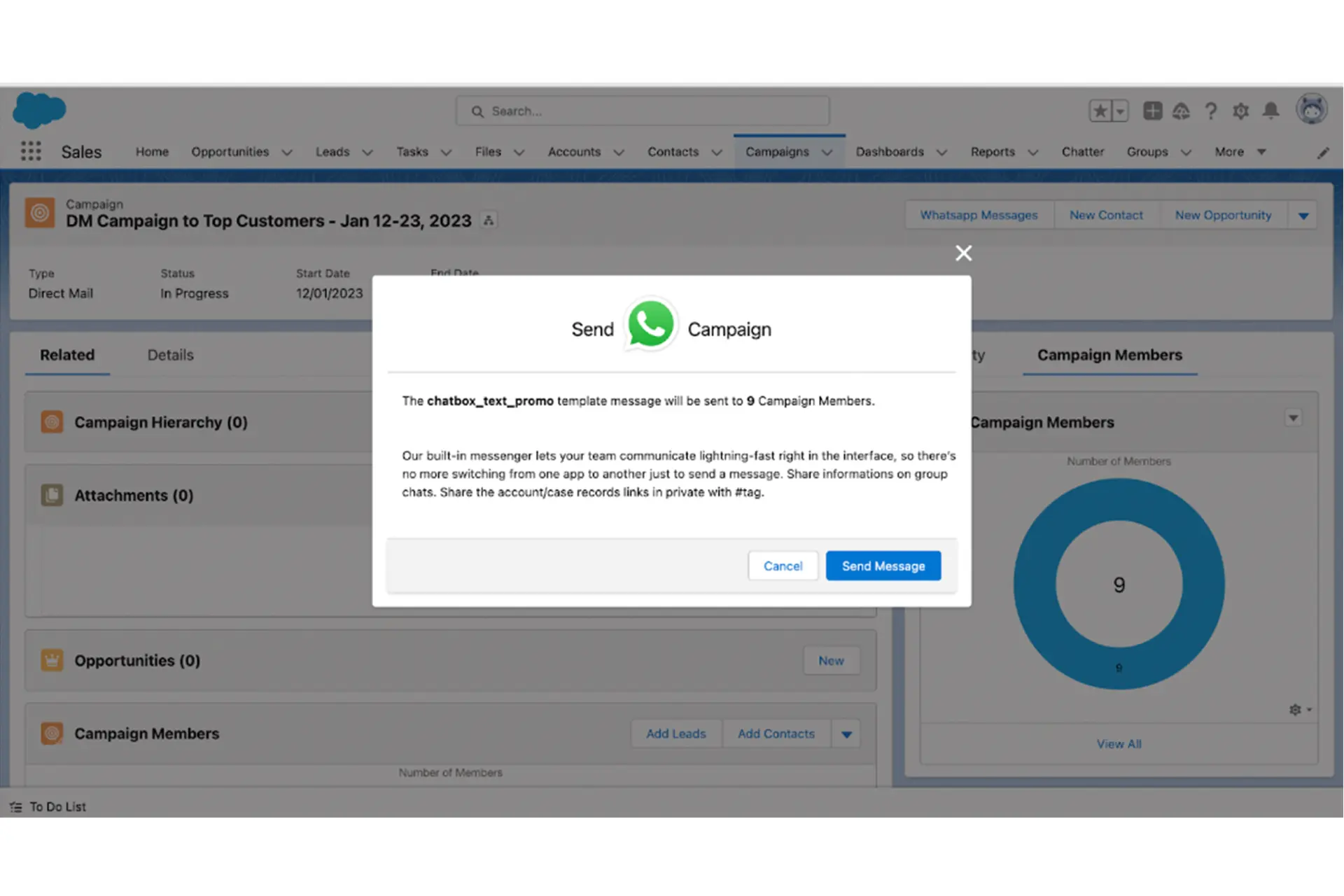
Bulk Messages
Receiving Media & Location Messages

Restrict Messages based on keywords

Available from Opportunity & Custom Objects

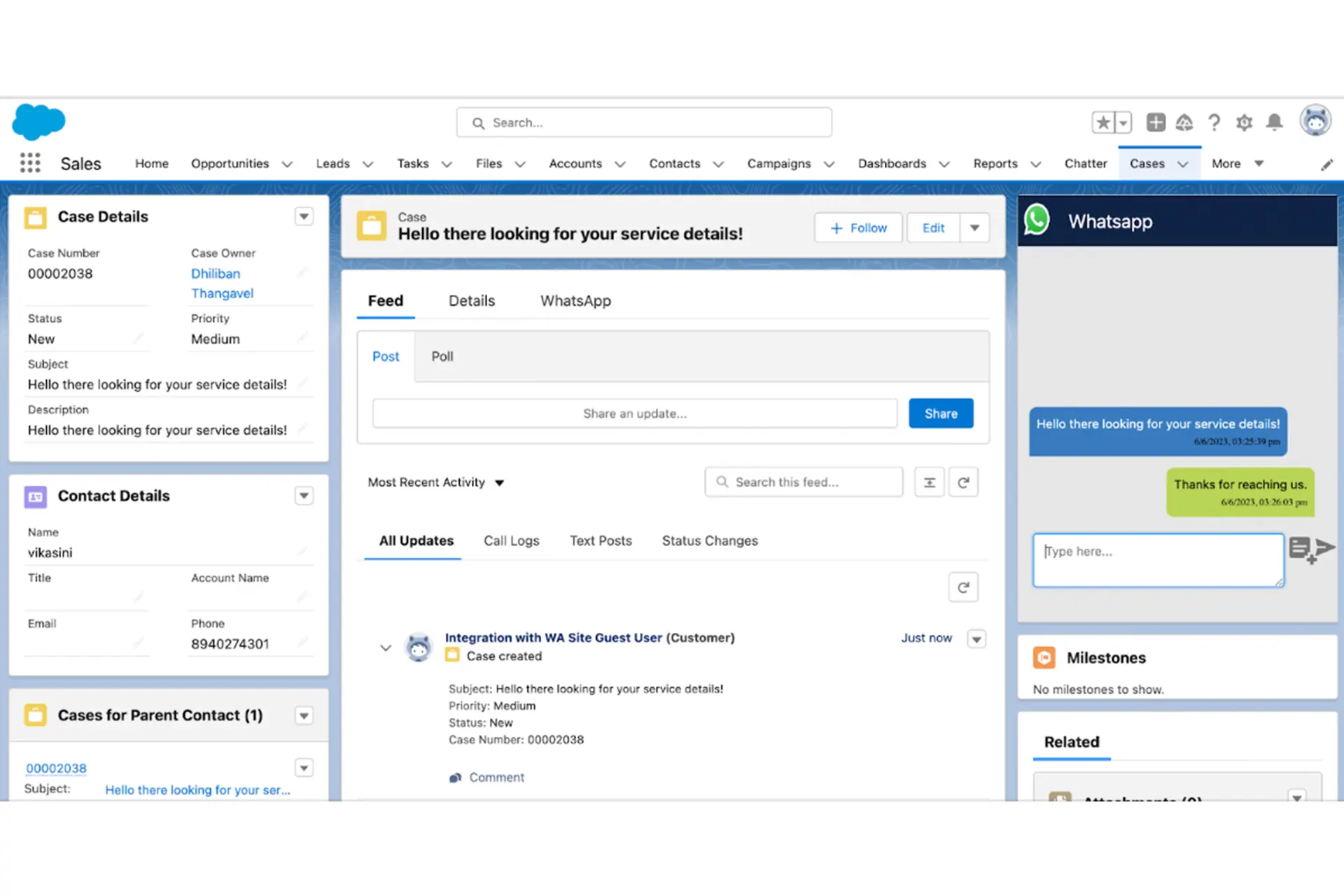
Supports Service

Reports to track the number of messages
Available in Mobiles
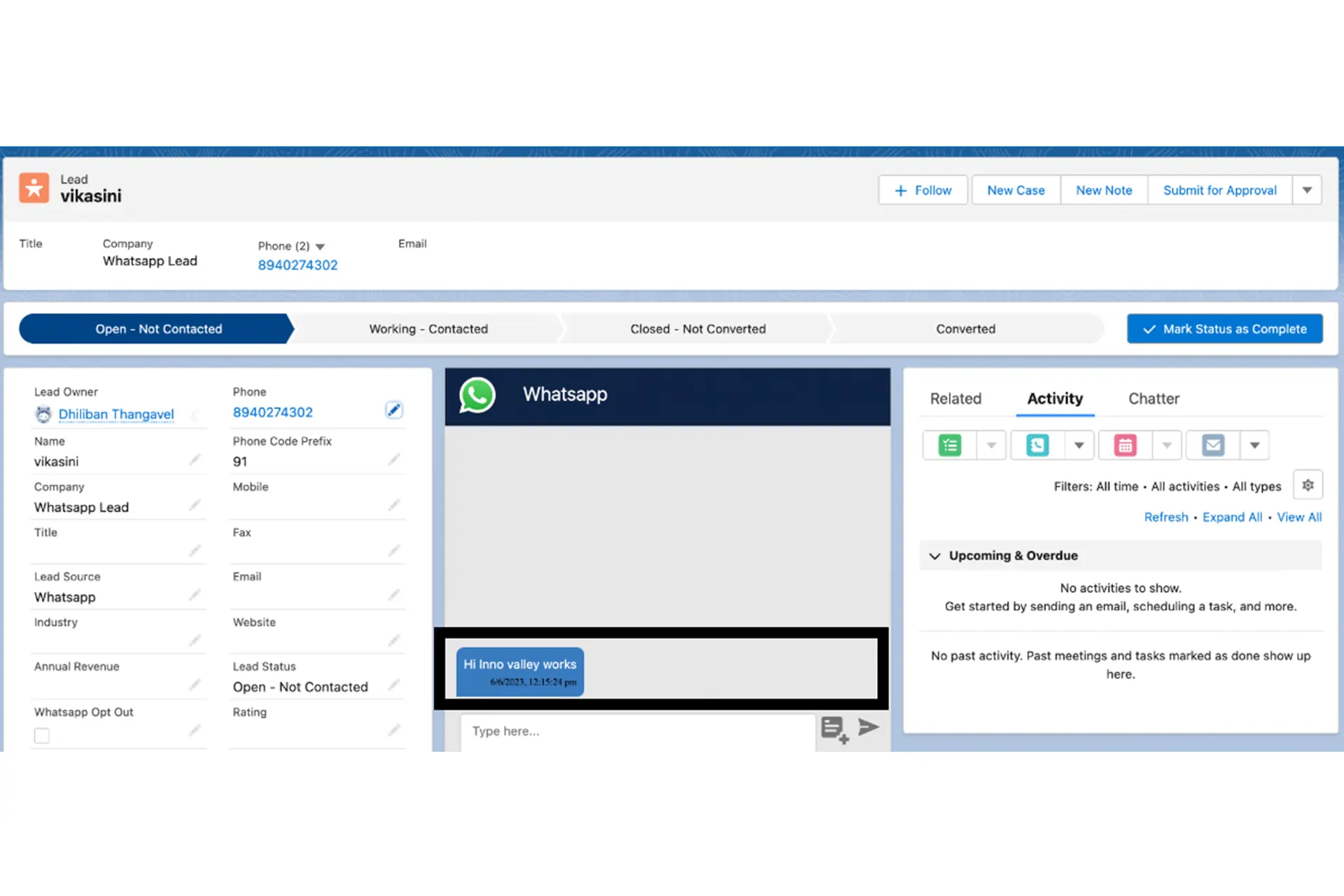
Inbound Message
When a new message is received a new lead records gets created if there is no records for the respective number
New to the topic? Start with our complete Salesforce WhatsApp integration guide — the three integration routes, setup steps, costs, and compliance in one place.
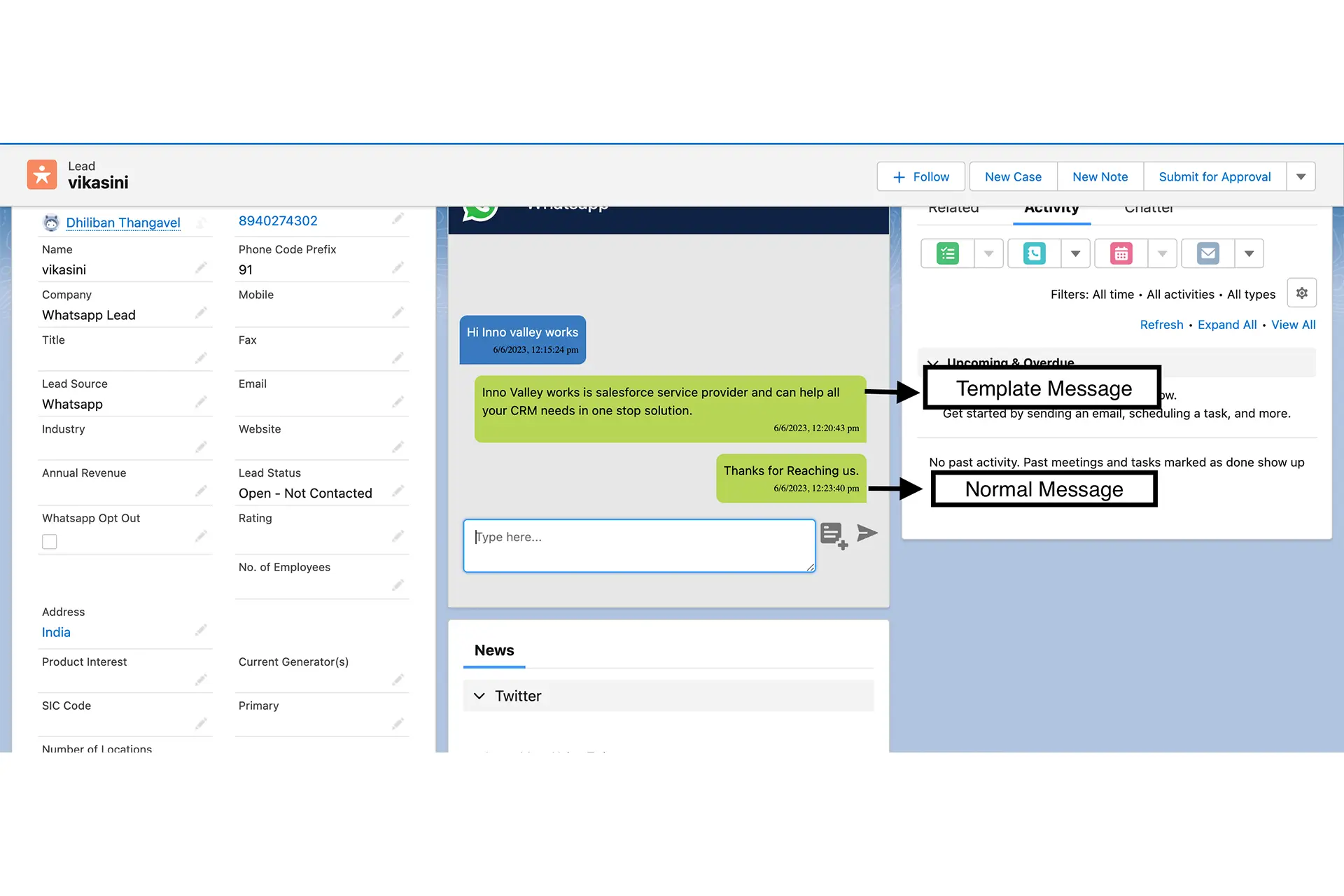
Outbound Message
Outbound Messages can either be template messages or normal text messages
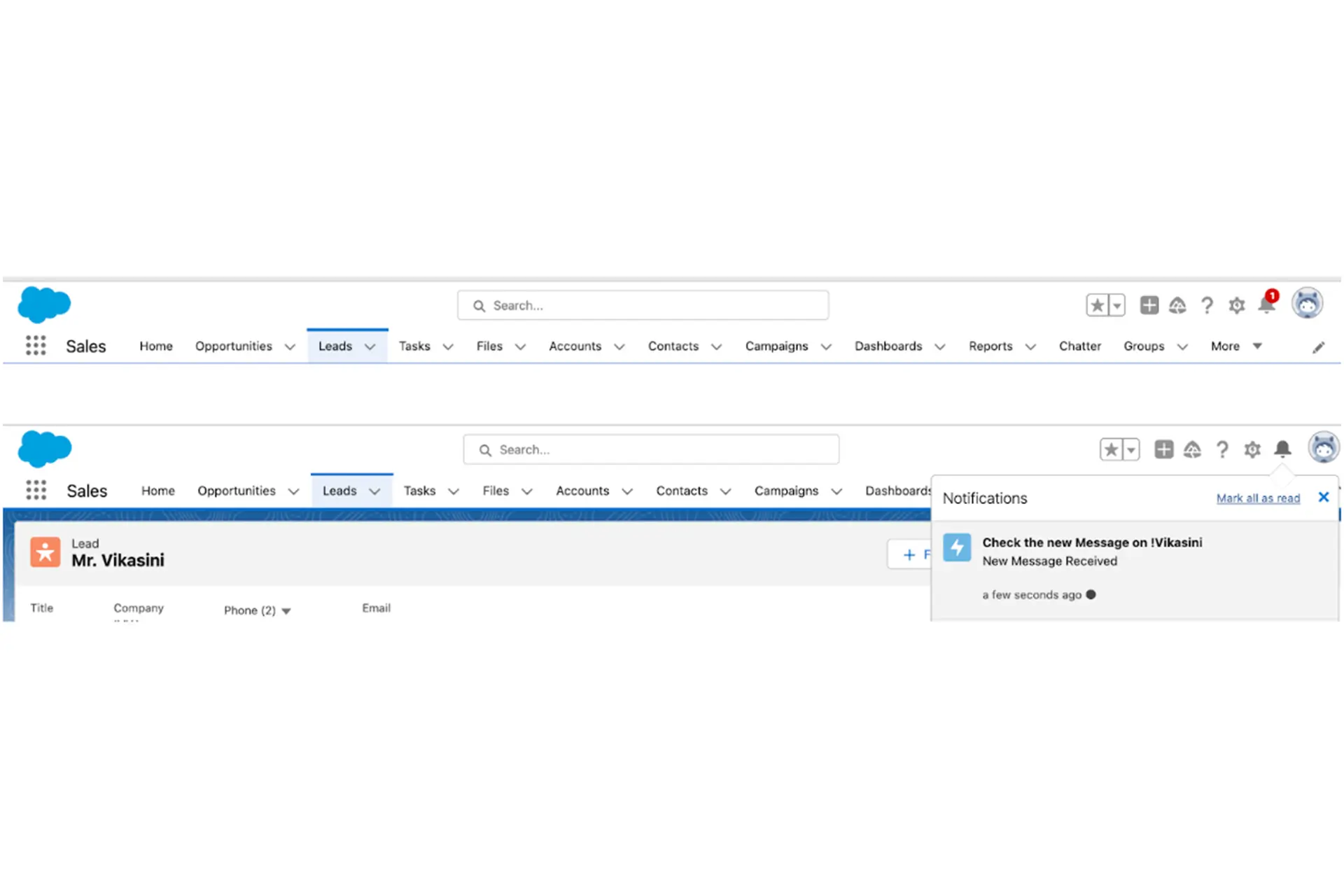
Notifications for each inbound Messages
Users get notified for every new inbound message.
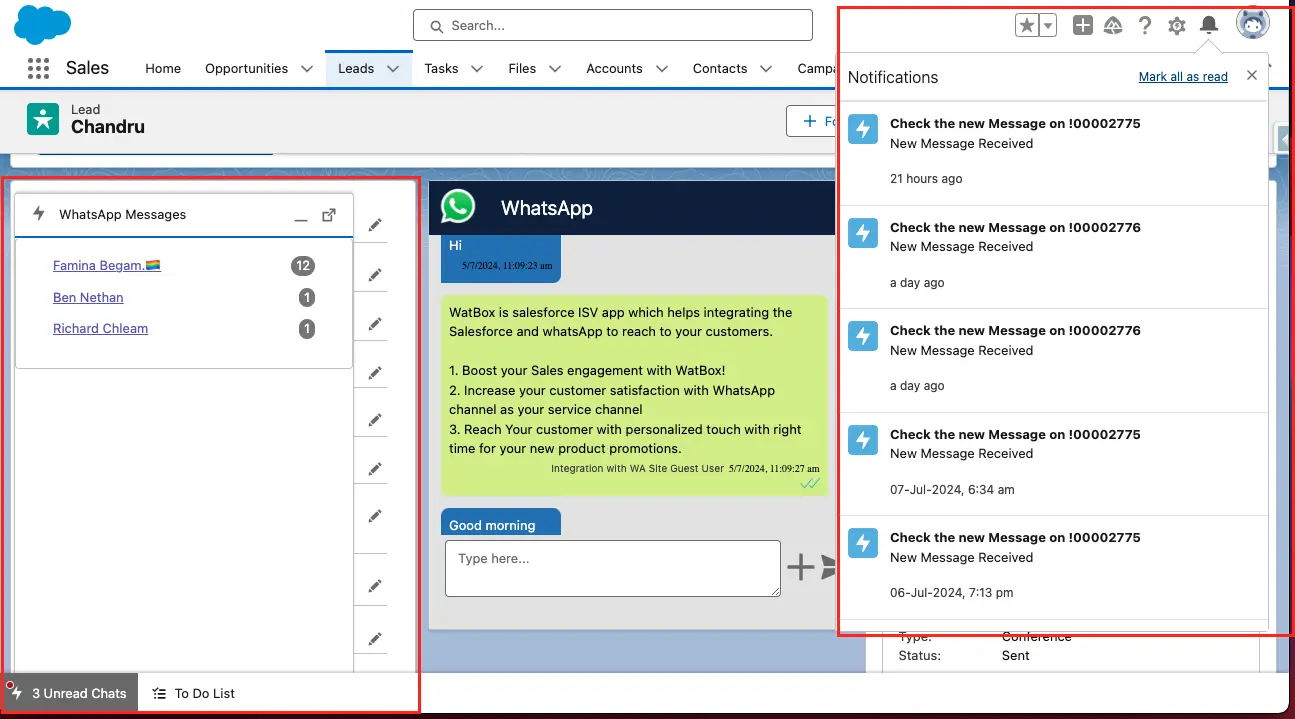
Real-Time Customer Engagement
WatBox.ai ensures that your customers can reach you instantly through WhatsApp, the world's most popular messaging app. This real-time engagement allows for quick responses and improved customer satisfaction.
Inbox for New Inbound Messages
The inbox feature allows agents to easily manage new inbound messages from each lead and customer. This helps streamline the workflow, ensuring that all customer inquiries are handled promptly and efficiently.
Bulk messages from campaign
Sending Personalized Template messages to multiple recipients in single button click
Receiving Media Messages and Location Messages
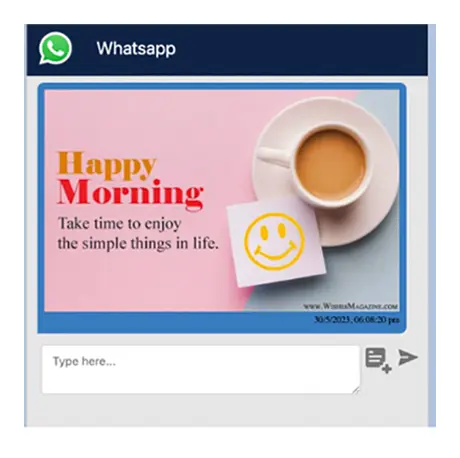
Image Message
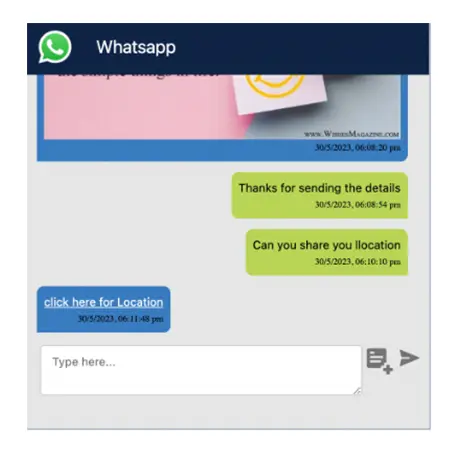
Location Message
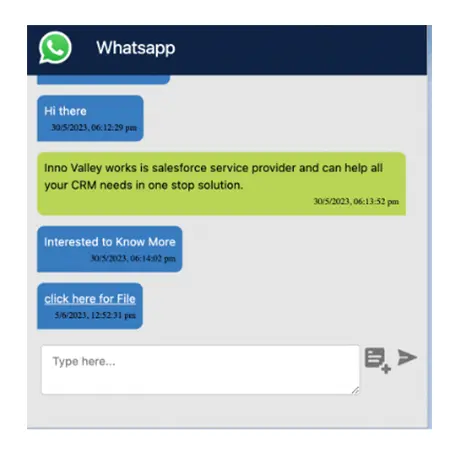
Document
Audio Messages
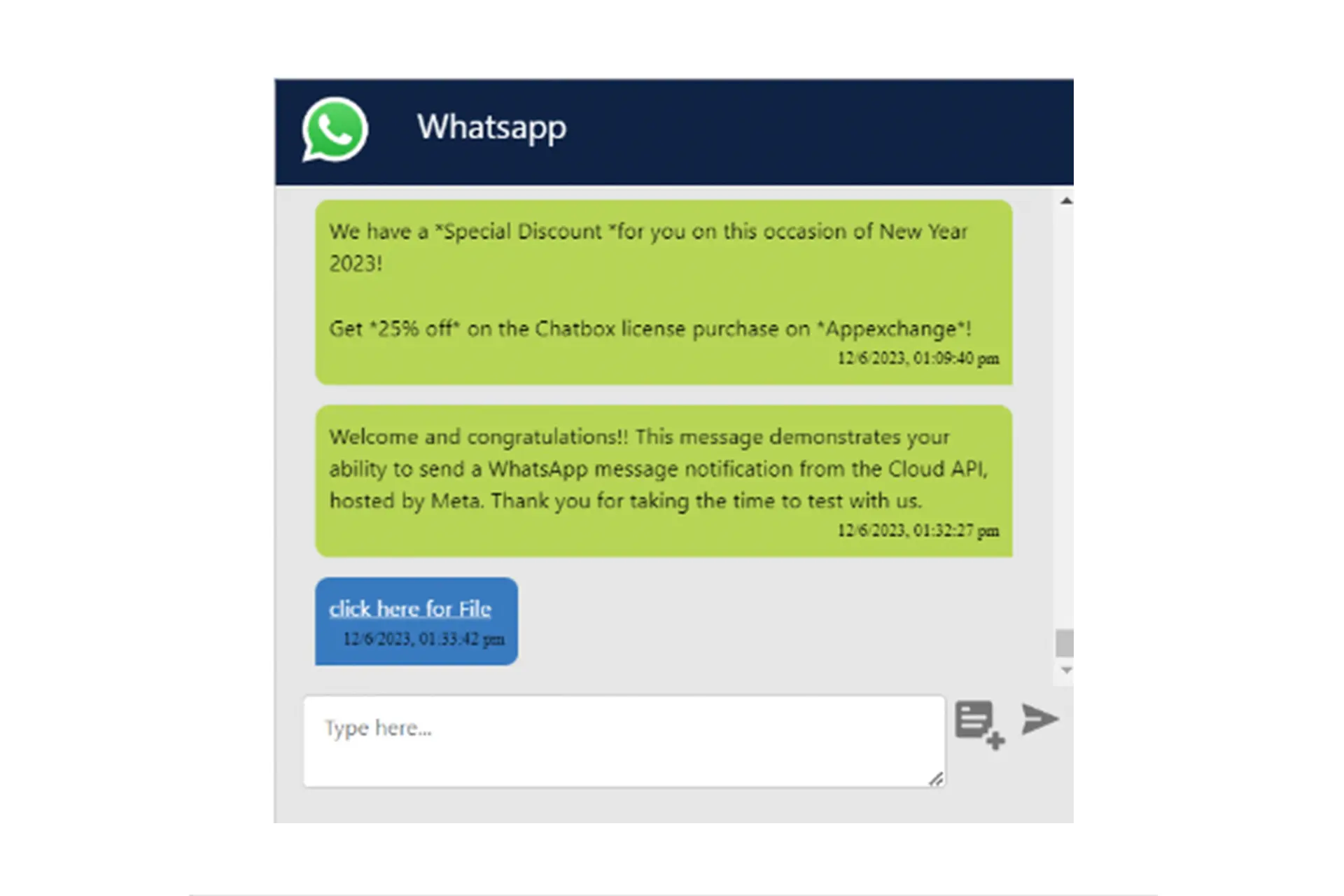

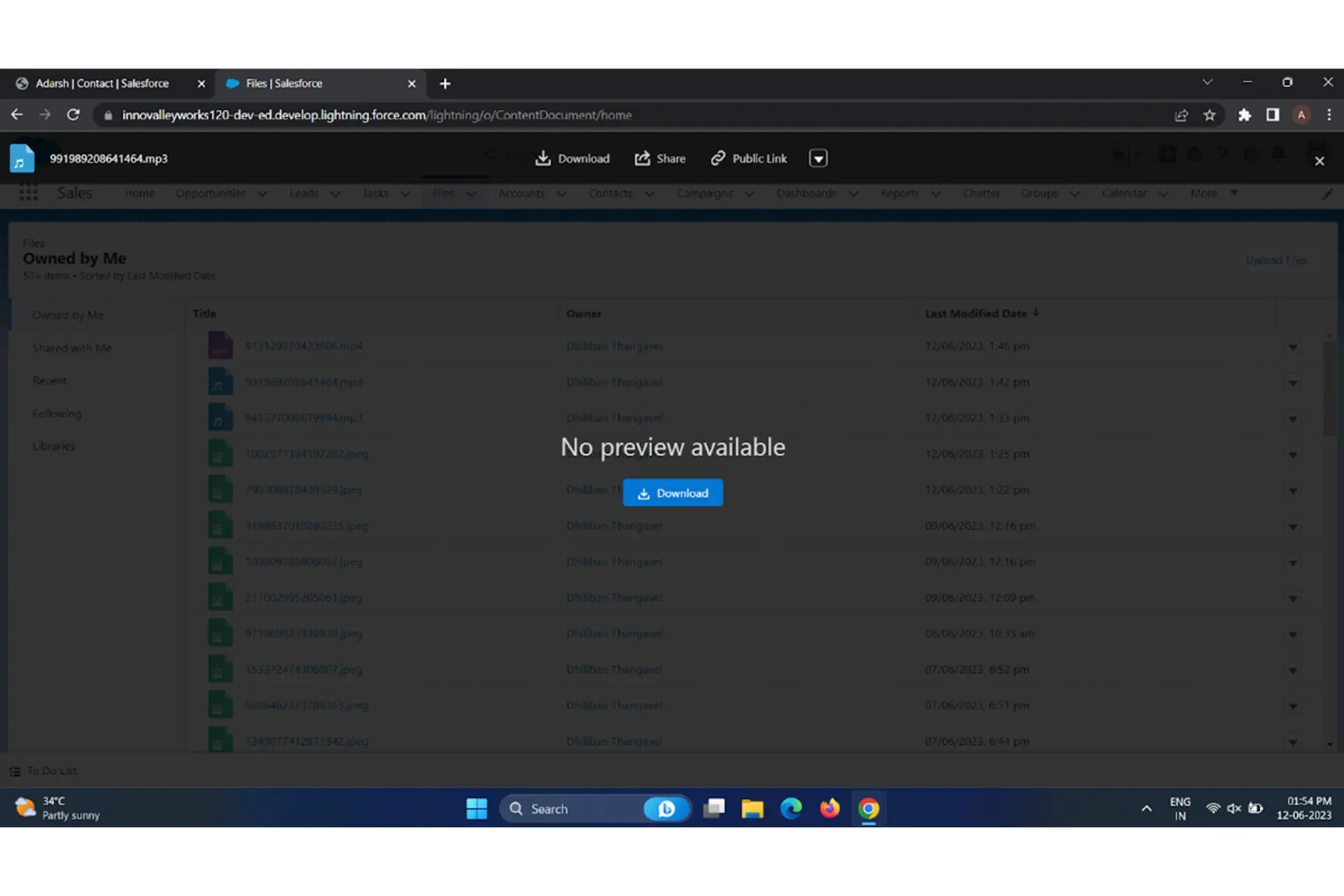
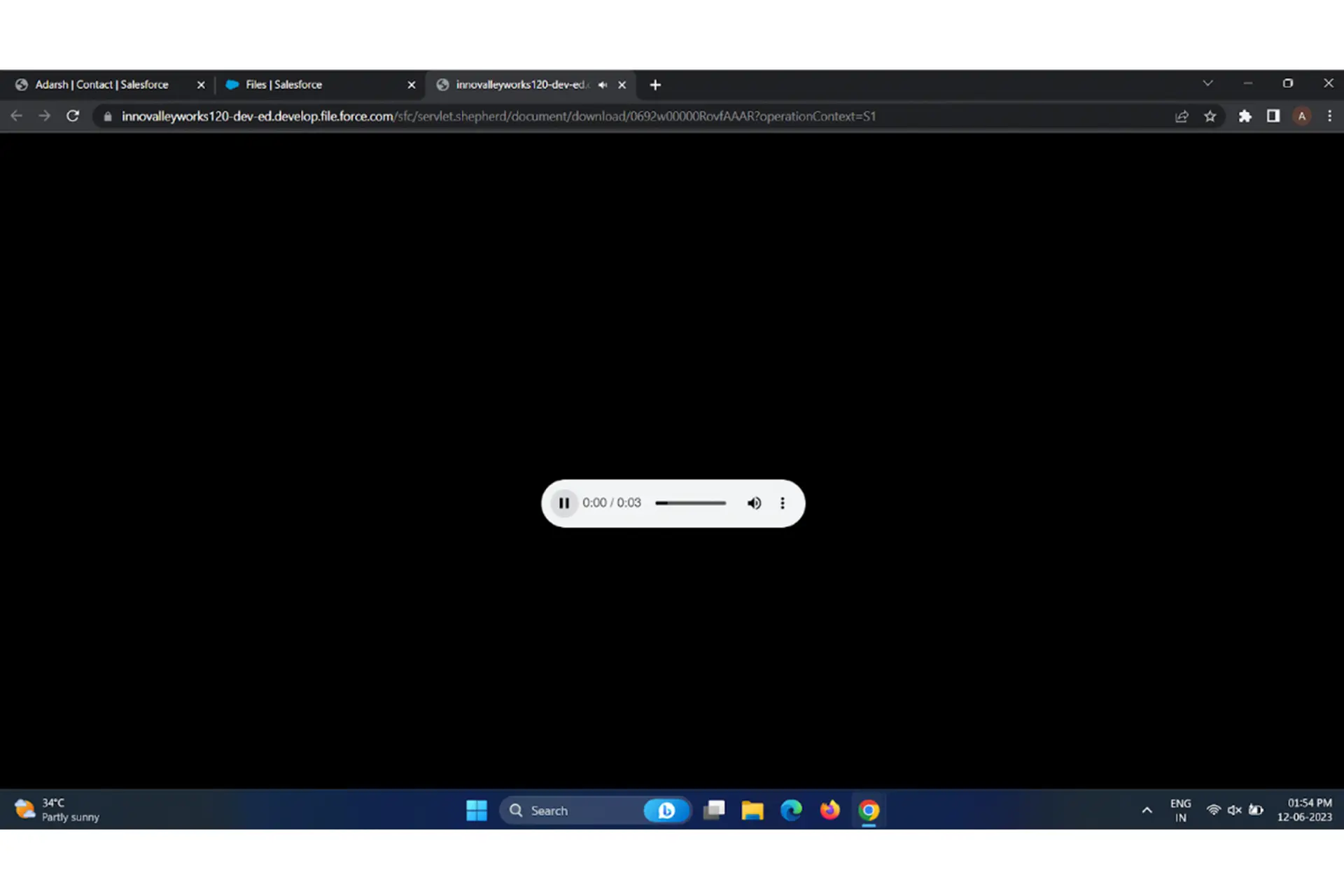
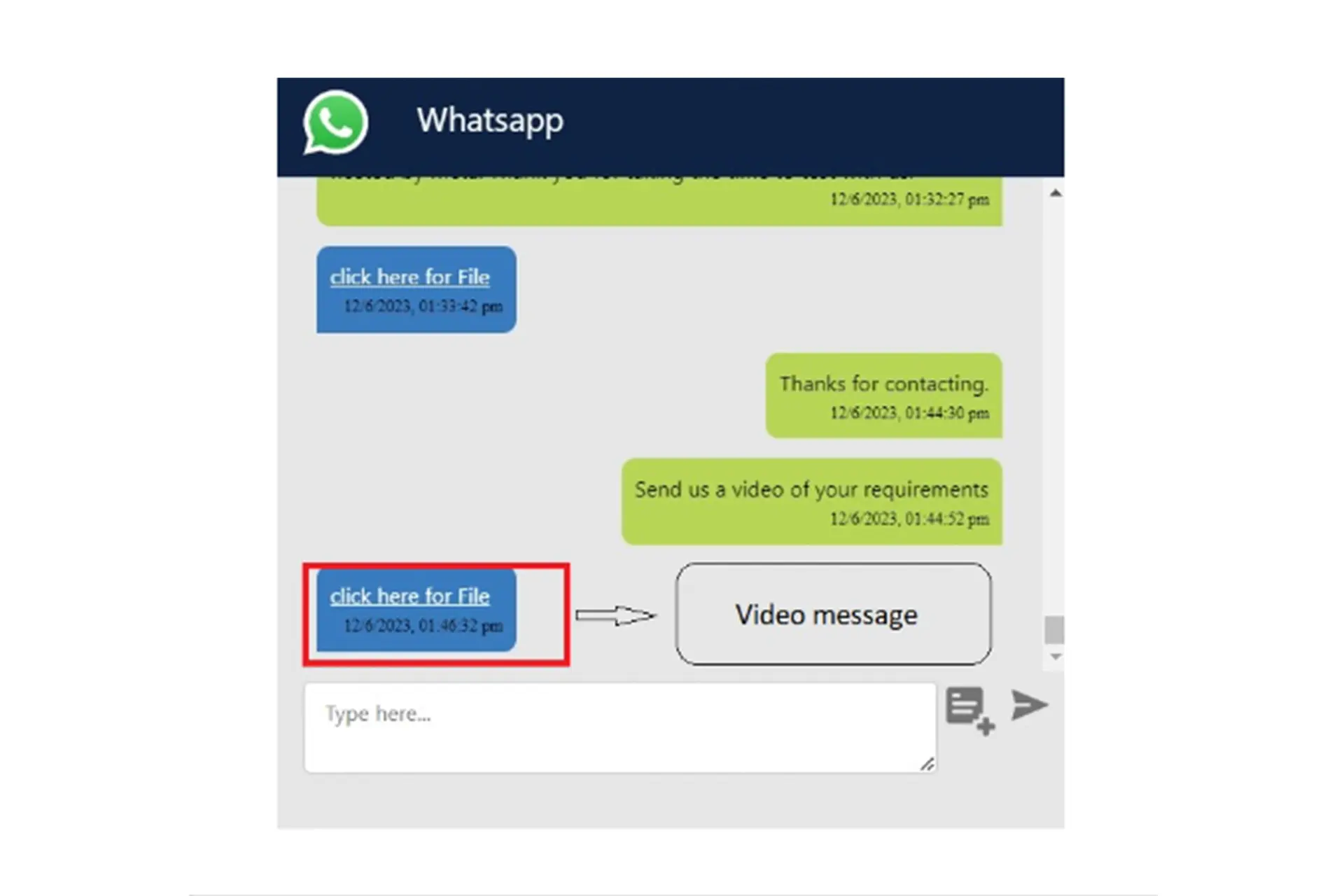
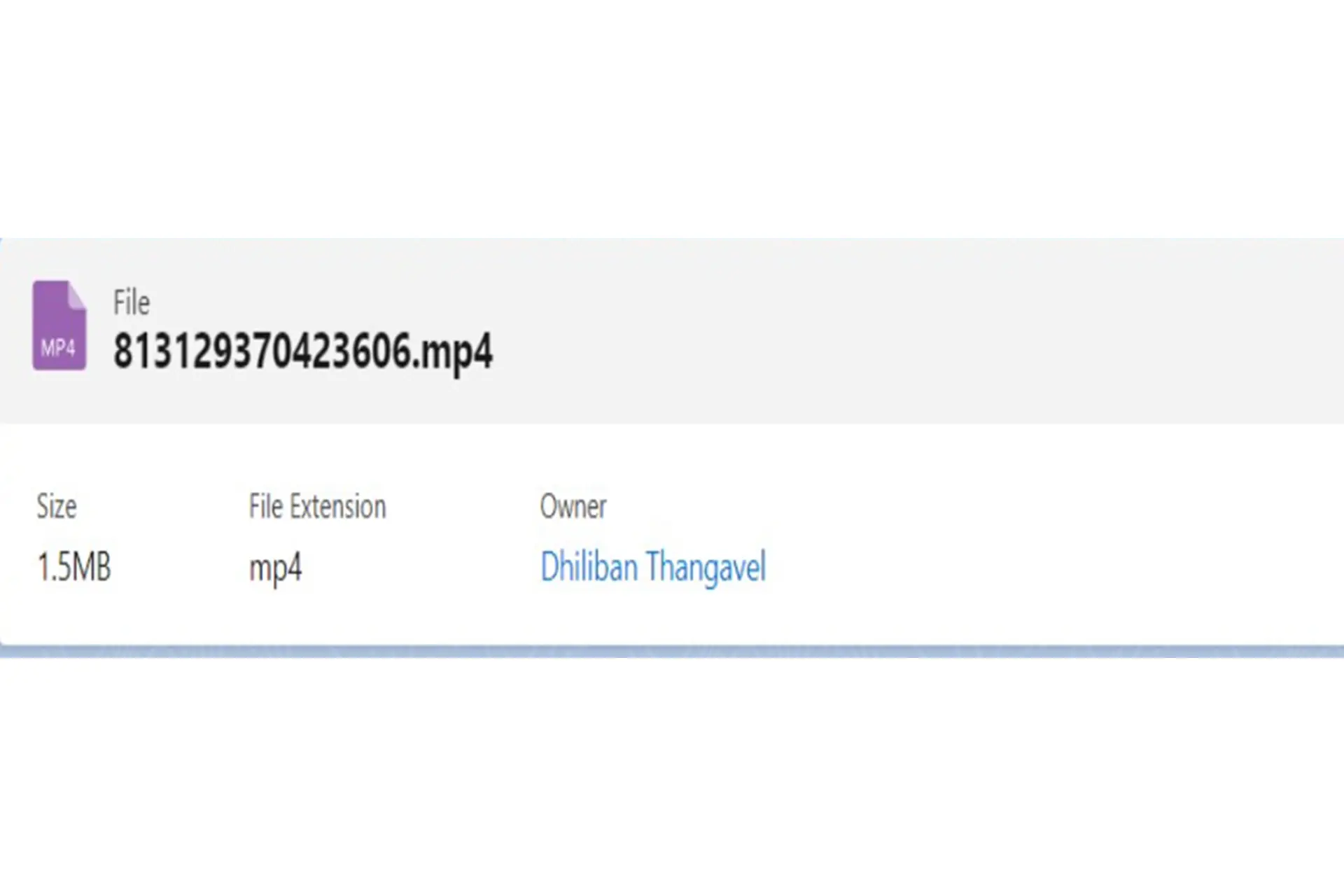
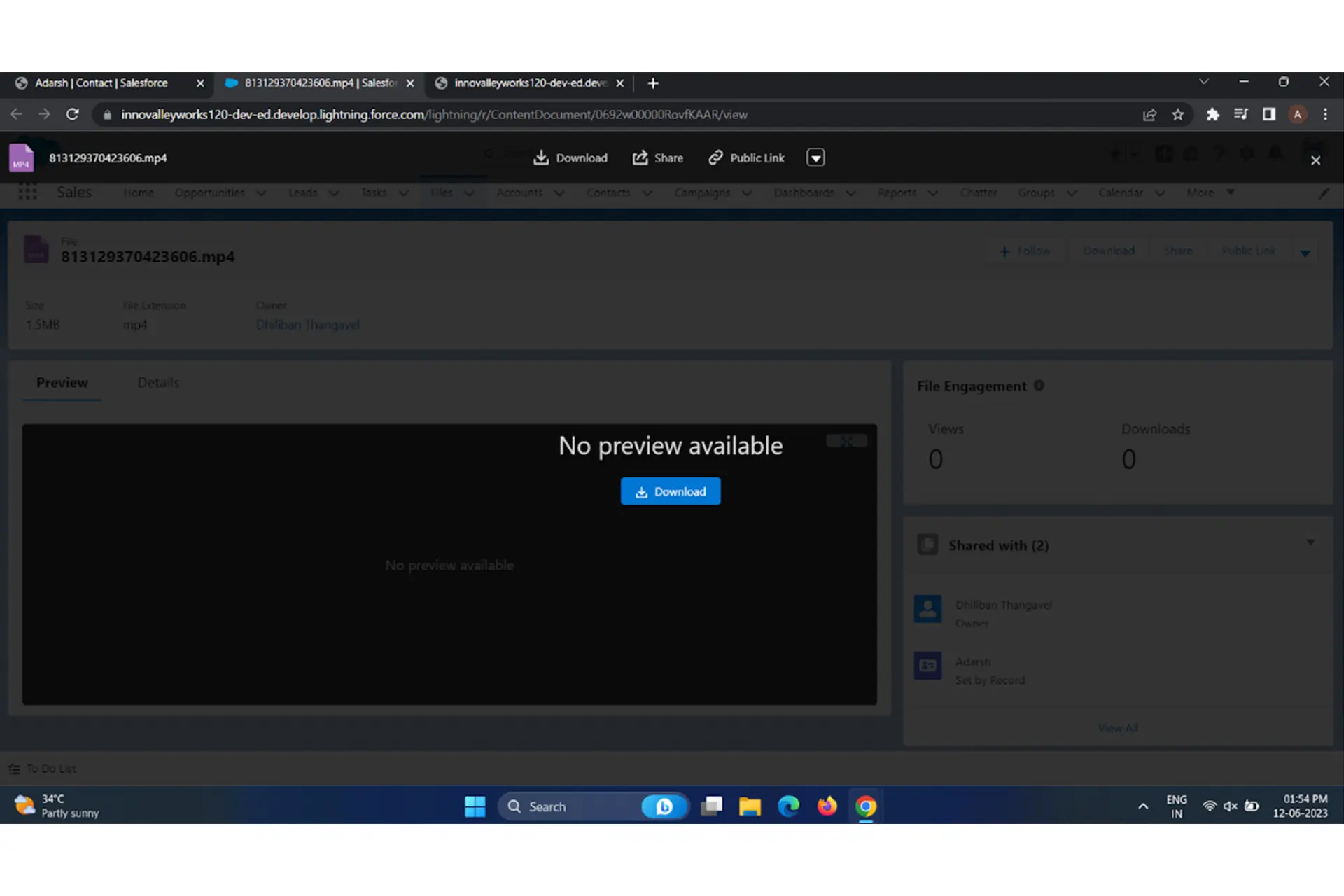
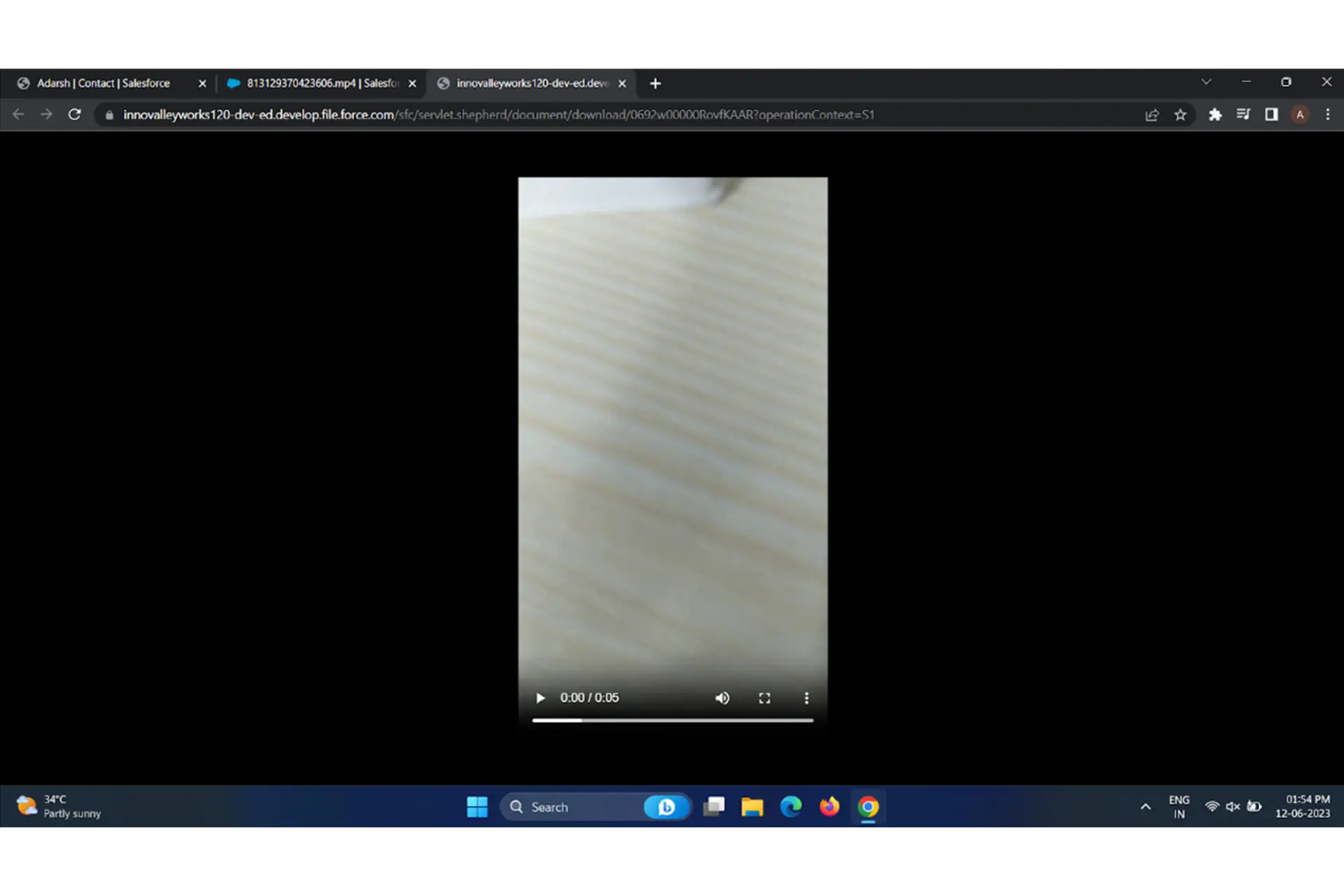
Video Messages

Restrict Messages based on keywords
Available from Contact, Case, Opportunity and Custom Objects
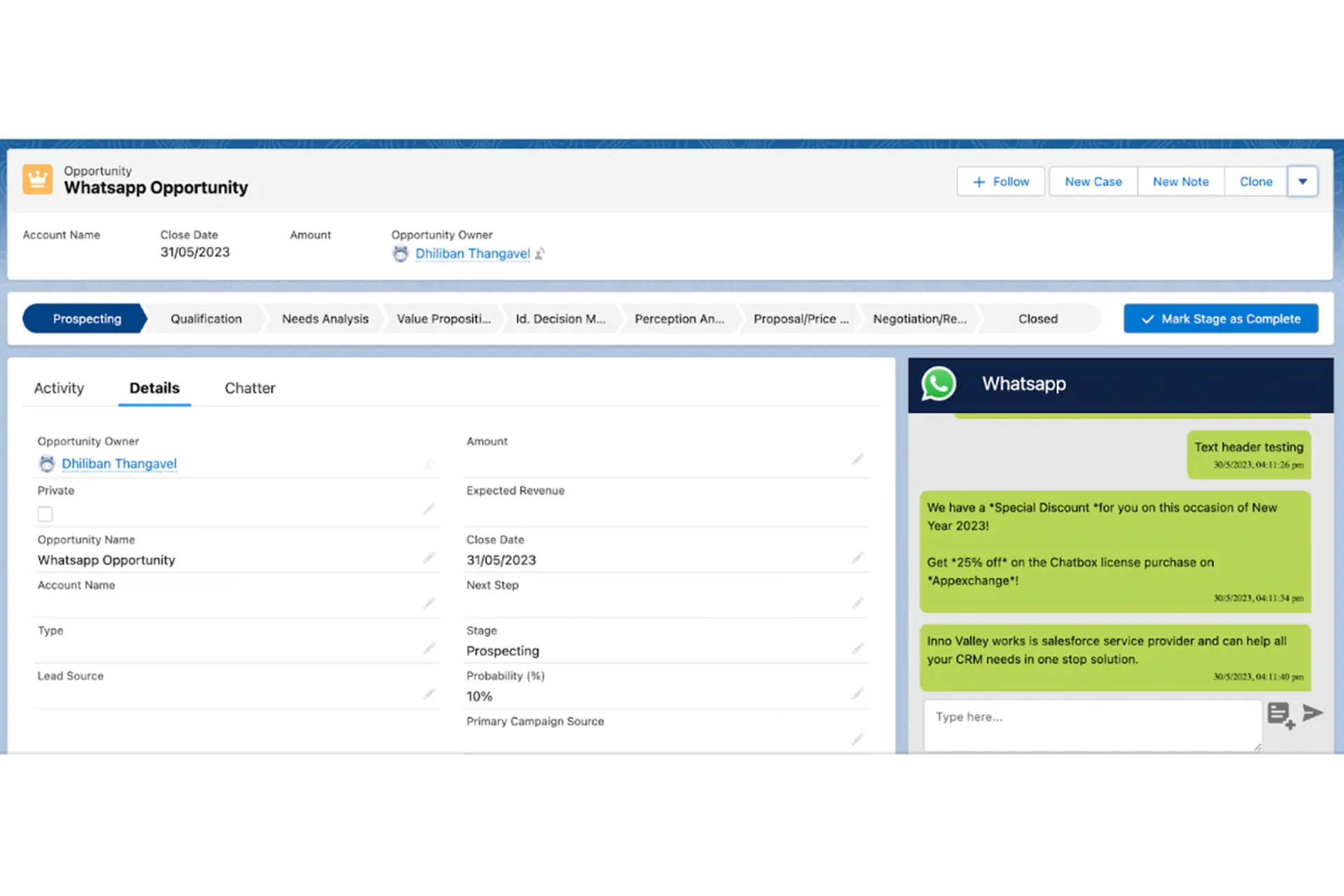
Opportunity – Messages can be sent to Primary contact of opportunity
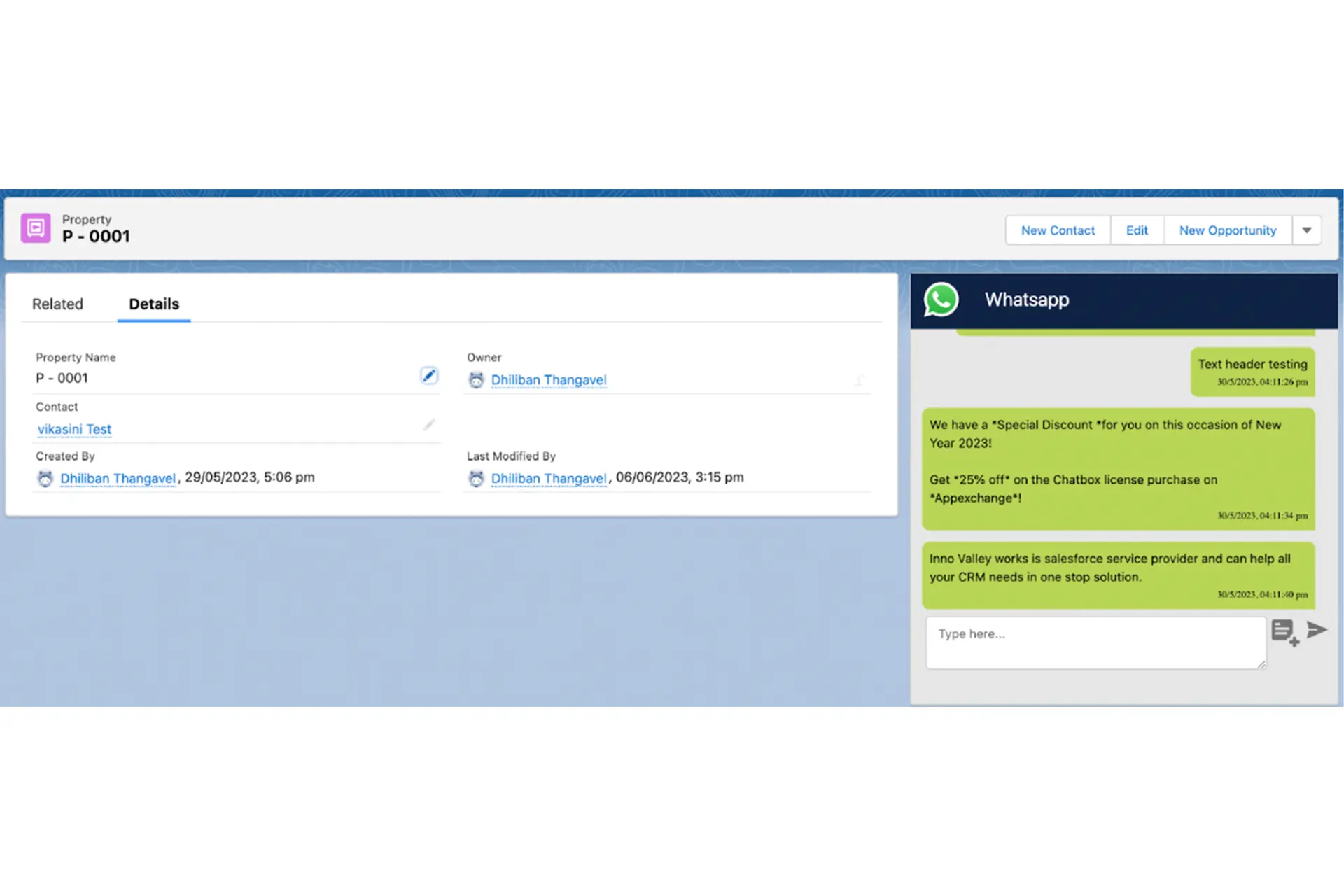
Custom Object
Supports Service
Service agents can resolve cases via Whatsapp. When conversation starts after 24 hrs a new case gets created. First Message of customer is assigned to Subject and Description.
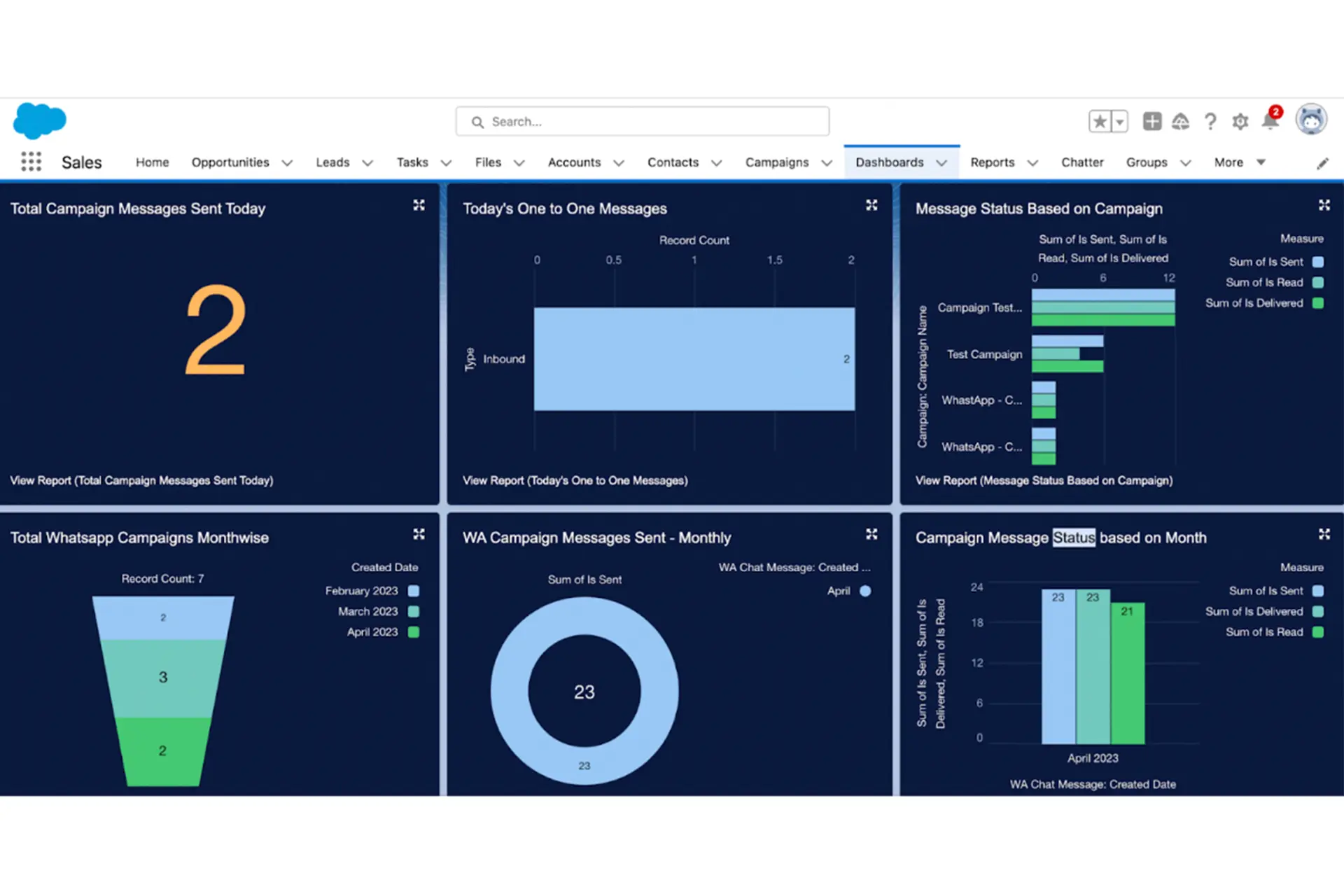
Reports to track the number of Messages

Frequently Asked Questions
Is Watbox GDPR compliant?
WatboxApp, which uses WhatsApp with Salesforce, is fully GDPR compliant. Here's how we ensure data protection and privacy :
Secure Data Handling : All customer data is encrypted during transmission and storage between WhatsApp and Salesforce. There is no third party involved in the data storage. Only your salesforce system will have the customer data.
User Consent : We obtain explicit consent from users when they interact with us via WhatsApp and also the customer data with the consent you already have can be used for WhatsApp communication.
Data Minimization : We collect only the necessary personal data required for customer service purposes. Strict access controls are in place within Salesforce. Only authorized personnel with the necessary permissions can access personal data.
Opt-Out/Unsubscribe : Customers can opt out or unsubscribe from WhatsApp Communication anytime by responding or clicking the opt-out buttons.
How does WatBox connect to Sales in Salesforce?
When a customer interacts through WhatsApp, scanning a QR code or initiating a chat from a platform like Facebook, WatBox forwards the message and phone number to Salesforce. If the phone number is new, WatBox creates a Person Account, Contact, or Lead. If the number already exists, the message is added to the appropriate record.
Can WatBox messages be tagged to any Salesforce objects?
Yes, WatBox allows configuration for tagging inbound or outbound messages to any specific Salesforce objects.

Level up WhatsApp Integration with Salesforce
Start with a 15 day trial for you to taste the CRM + WhatsApp interactions!