


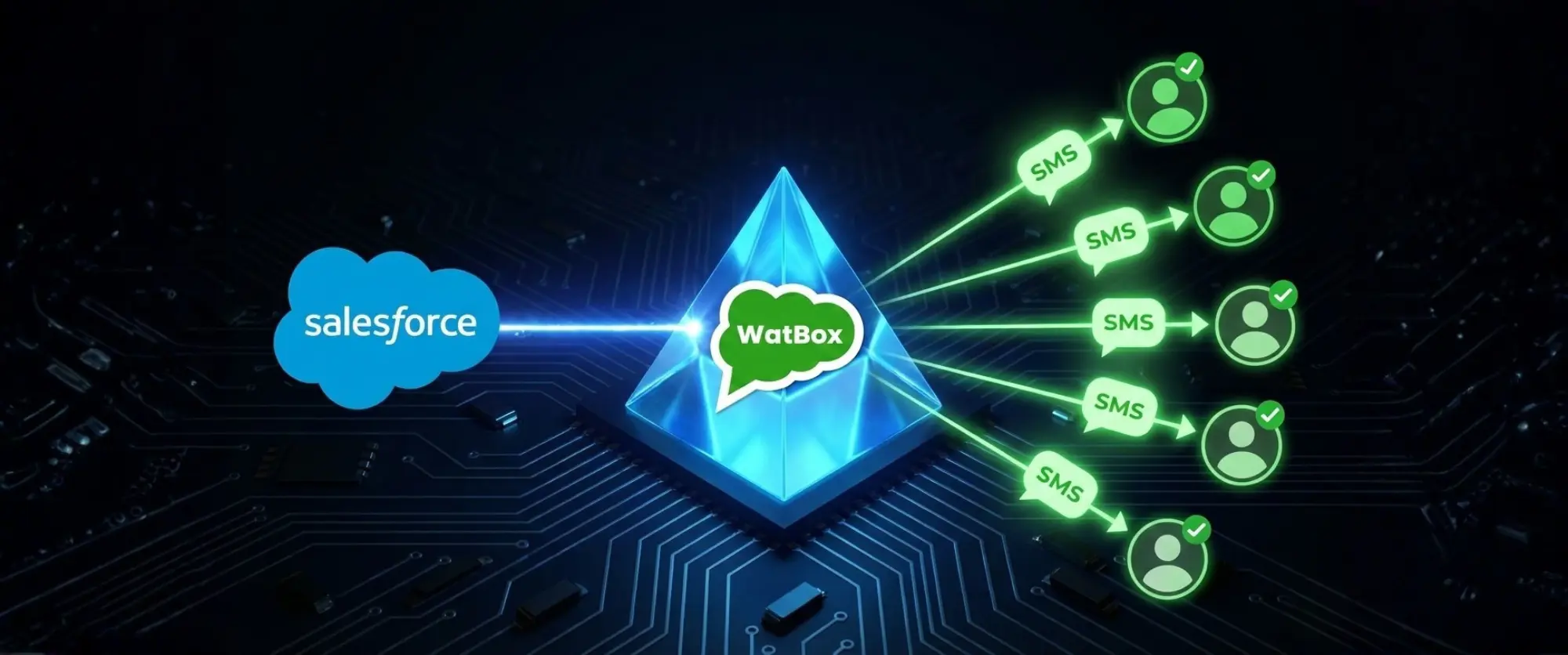

Automate Outreach with SMS Salesforce Integration
Your sales reps are hustling. You see them on their phones, firing off text messages to leads, trying to keep conversations alive.
But for you - the Salesforce Admin - this is a nightmare.
Here is the real problem you’re facing:
Every time a rep switches to their personal phone to send a text, that data disappears from Salesforce. The "Manual Grind" of copy-pasting numbers and logging calls isn’t just annoying for them; it creates a massive blind spot for the organization. You can't report on it, you can't track it, and you certainly can't scale it.
We get it. Others feel it too.
You have built a robust CRM, yet your team bypasses it because "texting is faster." You want to give them that speed, but within the governance of Salesforce.
This guide will give you clarity.
We are going to move away from one-off manual texts and build a scalable, automated SMS Salesforce integration strategy using tools you already know: Salesforce Flow Builder and Campaign Objects.
Why Drip Campaigns Belong in Salesforce (Not on Phones)
When outreach lives on a personal device, it relies on human memory. ("Did I text that lead back from Tuesday?")
When you move SMS integration in Salesforce, you shift from "memory" to "logic."
By using Salesforce automation, you ensure that every single lead gets the same high-quality treatment - a perfectly timed sequence of messages designed to nurture them from "Cold" to "Ready to Buy" - without a human lifting a finger until the lead responds.
How to Build an SMS Drip Logic (The Admin’s Guide)
You don’t need complex Apex code to fix this. You just need a solid Record-Triggered Flow. (Flow Builder Sample)
Here is the structural blueprint for a standard 3-touch Drip Campaign that saves your reps hours of manual work:
1. The Trigger (The "Entry")
Open Flow Builder and create a Record-Triggered Flow on the Lead Object.
Condition: Status equals New AND MobilePhone is not null.
Logic: Run immediately when a record is created.
2. The First Touch (Instant Acknowledgment)
Add an Action element linked to your SMS provider (like WatBox).
Message: "Hi [FirstName], thanks for inquiring about [Product]. I’ll be reviewing your details shortly."
Why it works: Speed-to-lead is critical. This automated text buys your rep time to actually review the account.
3. The "Wait" Element (The Nurture)
This is where the magic happens. Instead of a rep setting a calendar reminder, use a Scheduled Path or Wait Element.
Configuration: Wait 2 Days after the initial SMS.
4. The Second Touch (Value Add)
After the delay, the Flow triggers the second SMS Action.
Message: "Hi [FirstName], did you see the case study I emailed? It solves exactly what we discussed. Let me know if you have questions."
Goal: This brings the lead back to the inbox without manual intervention.
The Engine Behind the Flow: WatBox
You can build the perfect Flow logic, but Salesforce doesn’t send SMS natively out of the box. You need a vehicle to deliver the message.
This is where WatBox plugs in.
Because WatBox is Salesforce-Native, our SMS actions appear directly inside your Flow Builder palette. You don’t need to wrestle with third-party API keys or Zapier bridges. You simply drag, drop, and configure the message template right there in the Flow.
It gives you the best of both worlds:
- For Reps: No more manual texting or copy-pasting.
- For Admins: Total control over the data, the timing, and the process.
Stop Building Alone. Let’s Blueprint This Together.
You know how to build a Flow, but designing the right strategy for your specific business logic can be tricky.
Don't guess at the best setup.
Book a free personalized consultation with a WatBox SMS integration expert. We will look at your current Lead setup and help you map out a Drip Campaign that fits your specific needs - no generic advice, just tactical help.
Ready to test it yourself? Start your 15-day free trial today (no strings attached) and see your first automated SMS Drip go live.

Level up SMS & Texting in Salesforce
Start with a 15 day trial for you to taste the CRM + WhatsApp interactions!