
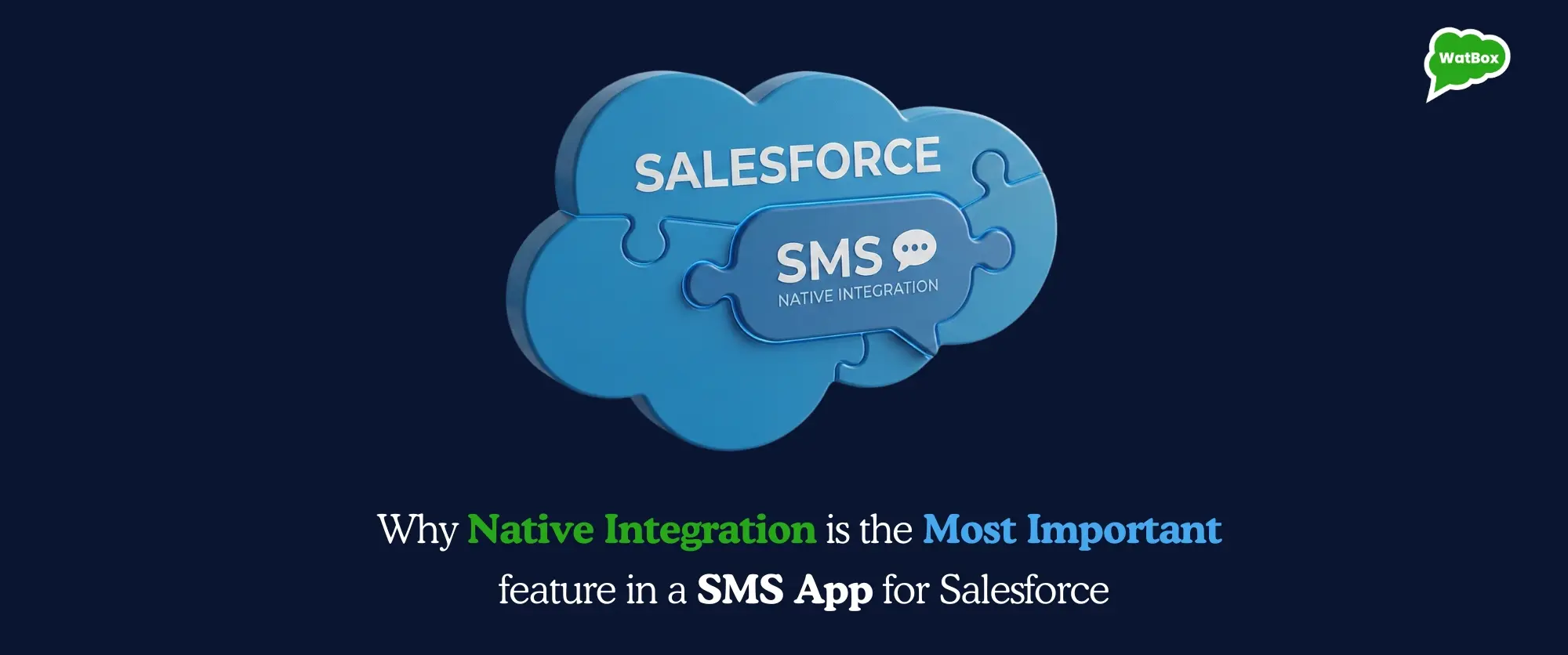

Why Native Integration Defines the Best SMS App for Salesforce
When teams ask us about the Best SMS App for Salesforce, they usually come with a simple goal:
“We just want SMS to work reliably inside Salesforce without adding another tool to manage.”
SMS (and WhatsApp) should feel like a natural part of Salesforce, not an external system you have to constantly wire in and maintain.
In this post, we’ll walk through how we think about native integration as product owners, why we believe it is the single most important feature in any SMS app for Salesforce, and how that translates into real benefits for admins and sales leaders.
What We Mean by “Native” in Salesforce
Vendors often say they “integrate” with Salesforce, but we see a native SMS app for Salesforce as something much more specific and concrete.
For us, “native” means:
- You install the app from the Salesforce AppExchange and work entirely inside Salesforce tabs, components, and layouts-no separate dashboards to juggle.
- SMS (and WhatsApp) conversations are stored as Salesforce records, linked to leads, contacts, accounts, cases, or any custom object you choose.
- You rely on Salesforce security-profiles, permission sets, and sharing rules - so you control who can view and send messages using the same model you already trust.
- You plug into Salesforce automation (Flows, campaigns) and reporting, so SMS behaves like any other first-class activity in your CRM.
In other words, we don’t ask your users to learn a new system just to send a text. We bring messaging into the system they already use all day.
If you want a deeper look at how this works in practice, we describe it in more detail on our Salesforce Text Messaging – Two-Way SMS for Business page.
Why Native Integration Matters More Than Anything Else
1. One Place for Your Team to Work
From our perspective, the best texting app on Salesforce is the one your team actually wants to use every day. The fastest way to kill adoption is to make people switch between tools.
With a native approach:
- Sales reps text prospects directly from the lead or opportunity record.
- Support agents respond to customers from the case they are already working on.
- Managers review conversations in Salesforce timelines, alongside calls, emails, and tasks.
In WatBox, we surfaced messaging right inside Salesforce so that calls, SMS, and WhatsApp all live in the same workspace. That is what we show in our “calls + messaging inside Salesforce” experiences - no switching tabs or losing context.
2. Real-Time Data, No Fragile Syncs
We’ve seen a lot of setups where SMS lives in an external tool, and administrators rely on APIs and scheduled syncs to push data into Salesforce. It works-until it doesn’t. Delays, failed jobs, partial data, and duplicated records become a recurring theme.
By keeping messaging native:
- Messages are written directly to Salesforce the moment they are sent or received.
- Every conversation is attached to the right record by design, not by sync logic.
- Reports and dashboards always reflect current reality, not a snapshot from an hour ago.
For us, this is a non-negotiable requirement for the best SMS app for Salesforce. If you can’t trust the data you see in Salesforce, the rest of the features don’t matter much.
3. Automation That Feels Native, Not Patched
When SMS is outside Salesforce, automation usually feels like a 'patchwork' of webhooks and middleware. We designed WatBox so admins can automate messaging using the platform’s most powerful engine: Salesforce Flows.
With our native integration:
- Trigger SMS from Record-Triggered Flows: Send a text the moment a lead is created, an opportunity stage changes, or a case is escalated.
- Unified Logic: Mix SMS steps with tasks, emails, and field updates inside a single, streamlined Flow.
- Future-Proof Workflows: Because we utilize Flow Builder, your automations are fully supported by Salesforce’s modern roadmap, avoiding the risks associated with legacy tools like Process Builder.
We cover many of these patterns on our Salesforce SMS Integration page, where we show how connecting Twilio and Salesforce through WatBox keeps all automation logic in Salesforce, not in a separate orchestration layer.
This is the kind of automation we had in mind when we say the best SMS app for business-not just sending texts, but embedding them into your core processes.
4. Built-In Compliance and Auditability
Regulated industries, enterprise sales teams, and even fast-growing startups all ask us some version of the same question: “If someone audits us later, can we prove what was sent and who approved it?”
A native setup helps because:
- Every message lives on a Salesforce record with timestamps and user info.
- You can track opt-outs, preferences, and consent in standard or custom fields.
- You can restrict sending rights using the same role and permission models you already use.
On our Salesforce Text Messaging page, we talk about compliant, secure messaging as a core requirement-not an add-on. From our point of view, the best SMS app for business is the one that helps you stay safe by default.
5. Scaling Without Rebuilding Your Stack
As product owners, we think a lot about what happens when you need to go from one team using SMS to five teams using SMS and WhatsApp across regions.
A native design makes that much easier:
- You use standard Salesforce methods to roll out features: profiles, permission sets, app assignments.
- You can customize page layouts per profile or record type without touching external configs.
- You can use Salesforce dashboards to monitor message volume, response times, and outcomes as adoption grows.
We also built WatBox to combine calls, SMS, and WhatsApp inside Salesforce, so as your communication needs expand, you don’t need to keep adding separate point solutions.
How We Designed WatBox as a Native SMS App for Salesforce
From day one, our goal with WatBox has been simple: make Salesforce the single place where your teams handle calls, SMS, and WhatsApp. That mission has shaped how the product works.
Here is how that shows up in the product today:
-
Salesforce Text Messaging as a first-class capability
Our Two-Way Business SMS solution lets your team send and receive SMS from leads, contacts, and cases, with every message automatically linked to the underlying record. -
Salesforce SMS Integration with Twilio as the backbone
Our Salesforce SMS Integration connects Salesforce and Twilio so that delivery is robust, while all workflows, logs, and automations stay inside Salesforce. -
Unified messaging inside Salesforce
We provide a combined workspace for calls, SMS, and WhatsApp so users manage all customer communication inside Salesforce instead of jumping between tools. -
Industry-ready workflows
We’ve seen customers in education, finance, healthcare, and other industries use the same building blocks-two-way texting, Flows, campaigns-to solve very different communication problems. We’ve designed the product to be flexible enough for those varied use cases without writing custom code each time.
All of this is our answer to the question: “What should the Best SMS App for Salesforce look like if you genuinely want to live inside Salesforce?”
Practical Scenarios We Optimized For
To keep this useful and not just conceptual, here are some real scenarios we intentionally designed WatBox around. You can use these as a checklist when evaluating any SMS app for Salesforce-not just ours.
-
Faster lead response
When a new lead is created, Salesforce triggers an SMS acknowledgment, and the assigned rep can continue the conversation from the lead record. You never leave Salesforce, and the full thread is visible to anyone who picks up that lead later. -
Sales follow-up that actually happens
When deals move stages (proposal sent, trial started, renewal approaching), Flows trigger reminders or nudges via SMS, logged on the opportunity. Reps don’t have to remember every follow-up; Salesforce does it for them. -
Proactive service updates
Case creation, status changes, and resolutions can all trigger SMS updates, so customers are never wondering what is happening. Agents see incoming responses on the case record and reply from there. -
Campaigns that reach people where they are
Marketing teams can use Salesforce reports or campaigns to send targeted texts-for events, offers, or important notices-and then track engagement using Salesforce dashboards.
For us, these are table stakes for calling something the best texting app on Salesforce. If a tool makes any of these flows complicated, fragile, or half-in/half-out of Salesforce, it will be hard for admins and teams to get long-term value from it.
If You Want to See It Live
If you’re currently comparing options and trying to decide what the Best SMS App for Salesforce looks like for your org, we’d suggest starting with three questions:
- Does it live fully inside Salesforce, or are we managing another external system?
- Can admins own automation and access using Salesforce tools they already know?
- Will all message history be audit-ready inside Salesforce records?
We built WatBox so we can answer “yes” to all three.
You can book a 30-minute call with our solution advisor so we can walk through your current setup, your use cases, and whether a native-first approach with WatBox makes sense for you.
Whether you end up using WatBox or another tool, if this post helps you ask better questions and choose a genuinely best SMS app for business inside Salesforce, we’ve done our job.

Level up WhatsApp Integration with Salesforce
Start with a 15 day trial for you to taste the CRM + WhatsApp interactions!