



3 Ways Telephony Integration with Salesforce Improves Your Agents' Productivity
Introduction
When we speak with VPs of Sales and RevOps leaders, the friction between calls and CRM workflows is a constant pain point. Agents switch tabs, manually log interactions, and often lose valuable context in the process. This is exactly where telephony integration with Salesforce becomes critical.
We've worked closely with teams trying to streamline their communication workflows, and one pattern is consistent: when telephony is tightly integrated into Salesforce, agent productivity improves almost immediately. In fact, discussions across the Salesforce Trailblazer Community consistently highlight that eliminating the need to switch tabs is one of the most effective ways to boost CRM user adoption.
In this post, we'll break down three specific ways this happens, with practical examples you can relate to.
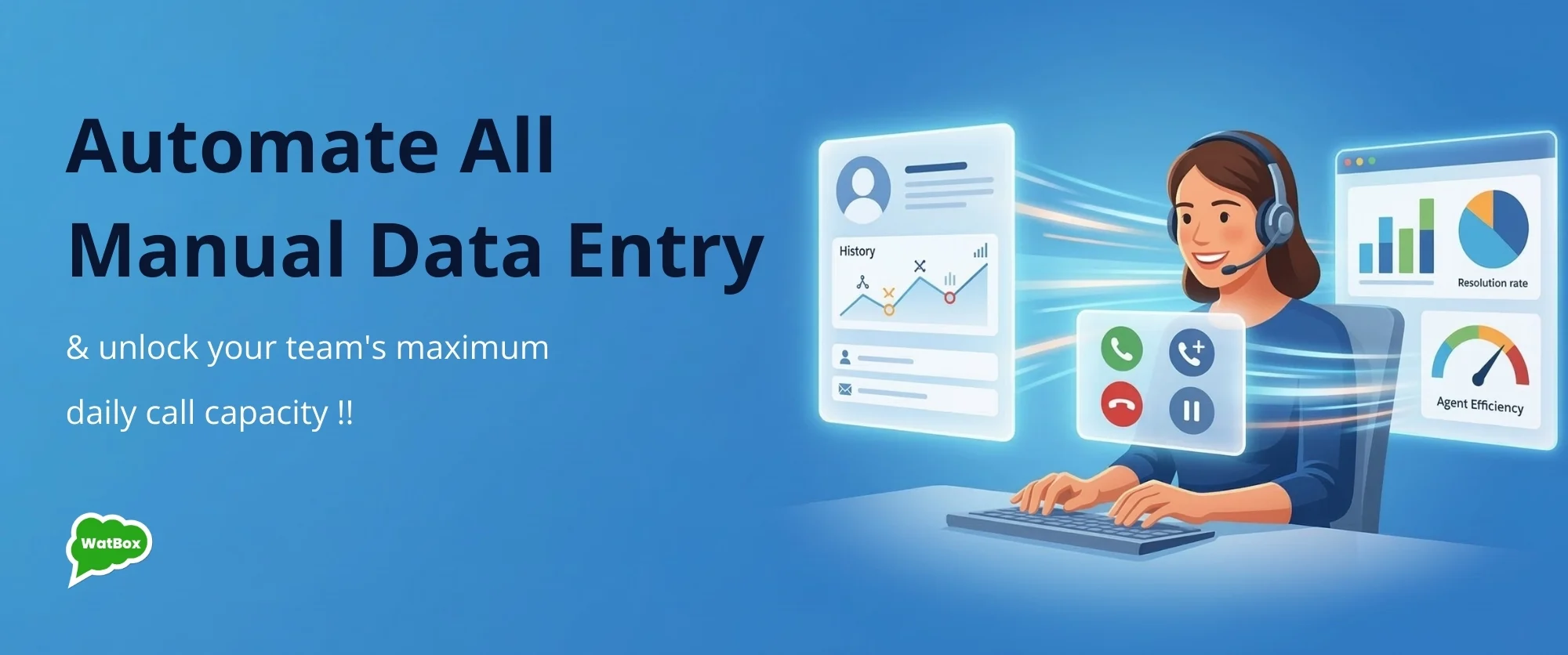
1. Eliminates Manual Data Entry and Reduces After-Call Work
One of the biggest productivity drains for agents is post-call admin work. Without proper telephony integration with Salesforce, agents have to manually log call details, update records, and add notes after every interaction. A review of user discussions on r/salesforce confirms that manual call logging remains a primary source of workflow friction for modern revenue teams.
When telephony is integrated directly into Salesforce, call logging becomes automatic. Call duration, timestamps, and even recordings are captured in real time and attached to the correct record.
Example: A support agent handling 40 calls a day spends 1-2 minutes per call on manual logging. That's up to 80 minutes daily spent on admin work. With integrated telephony, this drops to near zero, freeing up time for actual customer interaction.
We built our native multichannel messaging to extend this automation well beyond standard calls. Now, teams can manage 1-on-1 and bulk personalized messages via WhatsApp and SMS, keeping all communication centralized and strictly logged.
2. Provides Real-Time Context During Calls
Agents perform better when they have full context at the moment of interaction. Without CTI integration with Salesforce , agents often answer calls without knowing who the customer is or what their history looks like. With integrated telephony, incoming calls trigger screen pops that display relevant customer records instantly. This includes past interactions, open cases, and notes.
Example: A sales rep receives a call from a returning lead. Instead of asking repetitive questions, they immediately see previous conversations, interests, and the current deal stage. This allows them to continue the conversation seamlessly and move the deal forward faster.
We've designed workflows in WatBox where this context extends across channels - calls, SMS, and WhatsApp - so agents always have a unified view. You can see exactly how this unified interface operates in our YouTube integration walkthroughs .
3. Enables Faster Call Handling and Better Workflow Automation
Speed matters in both sales and support. Without a proper Salesforce telephony integration, agents spend time dialing numbers, navigating records, and triggering follow-ups manually.
Our Salesforce CTI integration enables powerful features like our native Power Dialer, automated call routing, and complete inbound/outbound management directly from the interface. This significantly reduces handling time per interaction.
Example: After a call ends, a Salesforce Flow automation automatically updates the opportunity stage, schedules a follow-up task, and sends a confirmation message to the customer. The agent doesn't need to perform any of these steps manually. Through our Salesforce AppExchange listing , we've seen teams implement these automations quickly, without heavy custom development.
Conclusion
At its core, the platform we built ensures that your telephony integration with Salesforce removes friction, gives agents real-time context, and automates repetitive work. We provide comprehensive reporting and analytics so leaders can see real-time stats, read rates, and NPS scores to validate this impact.
The result is simple: agents spend more time engaging and less time managing systems. Whether you are evaluating our pricing tiers or exploring how to implement this effectively for your team, we're happy to walk you through real use cases. You can book a free 30-minute call with our solutions team.
