

Fix Slow Responses with WhatsApp Salesforce Integration
Speed is the currency of modern revenue teams. In a world where buyers expect instant gratification, a five-minute delay on WhatsApp can cost you a qualified lead.
Yet, most teams struggle with velocity because their communication channels are disconnected from their data.
Why Your WhatsApp Response Times Are Lagging
It is rarely a people problem; it is a process problem. When your WhatsApp integration in Salesforce is non-existent or relies on clunky third-party connectors, friction is inevitable:
- Context Switching: Agents waste precious minutes toggling between a phone, a web WhatsApp tab, and the CRM.
- Data Silos: Vital context—like previous purchase history or open tickets—isn’t visible in the chat window, forcing reps to search for answers manually.
- Zero Accountability: Without centralized routing, messages languish in shared inboxes with no clear owner.
The Reality Check - Manual vs. Automated
| Feature | Without WatBox (The Swivel-Chair Nightmare) | With WatBox (The Unified Flow) |
|---|---|---|
| Notification | Rep hears a buzz on a physical phone. They have to unlock it, find the app, and open the chat. | Rep sees a pop-up directly in the Salesforce Utility Bar while working on other tasks. |
| Context | Rep asks, "Who is this?" They have to search Salesforce manually to find the lead's name and history. | Rep instantly sees the lead's Name, Company, and Open Opportunity details right next to the chat window. |
| Response | Rep types out a manual reply. If they are busy, they might forget to reply for 20+ minutes. | Rep clicks a pre-approved "Quick Reply" template. Response time: <30 seconds. |
| Logging | Rep might copy-paste the chat into Salesforce Notes later (if they remember). Usually, the data is lost. | The entire conversation is auto-logged to the Salesforce record instantly. No manual entry required. |
| Result | Slow response, lost data, frustrated lead. | Instant engagement, perfect data, happy lead. |
The Blueprint for Instant Engagement
1. Sales Leaders: Define the SLA
Stop treating WhatsApp as an "informal" channel. Set a strict Service Level Agreement (SLA). For example: "Inbound WhatsApp leads must receive a human or automated response within 2 minutes."
2. Salesforce Admins: Automate the Routing
Don't rely on reps "cherry-picking" messages. Configure your WhatsApp Salesforce integration to use logic-based routing. High-value leads should route immediately to top-tier account executives, while support queries route to the service queue.
3. RevOps: Measure the "Time to First Response"
You cannot improve what you do not measure. Your CRM dashboard should track WhatsApp response times alongside email and call metrics.
💡 Industry Pro-Tip: The "Pre-Filled" Attribution Hack
Most companies just put a generic "Chat with us" button on their site. This kills your data attribution.
The Secret: Use WhatsApp’s "Click-to-Chat" link feature to embed a specific source code into the pre-filled message text.
Instead of: wa.me/12345
Use: wa.me/12345?text=I'm interested in [Product A] (Source: LinkedIn)
Why it works: When the lead hits send, WatBox can read that specific text string and automatically update the Lead Source field in Salesforce to "LinkedIn" or "Q3 Campaign." You get perfect attribution without asking the customer a single question.
How WatBox Fixes This in 5 Steps
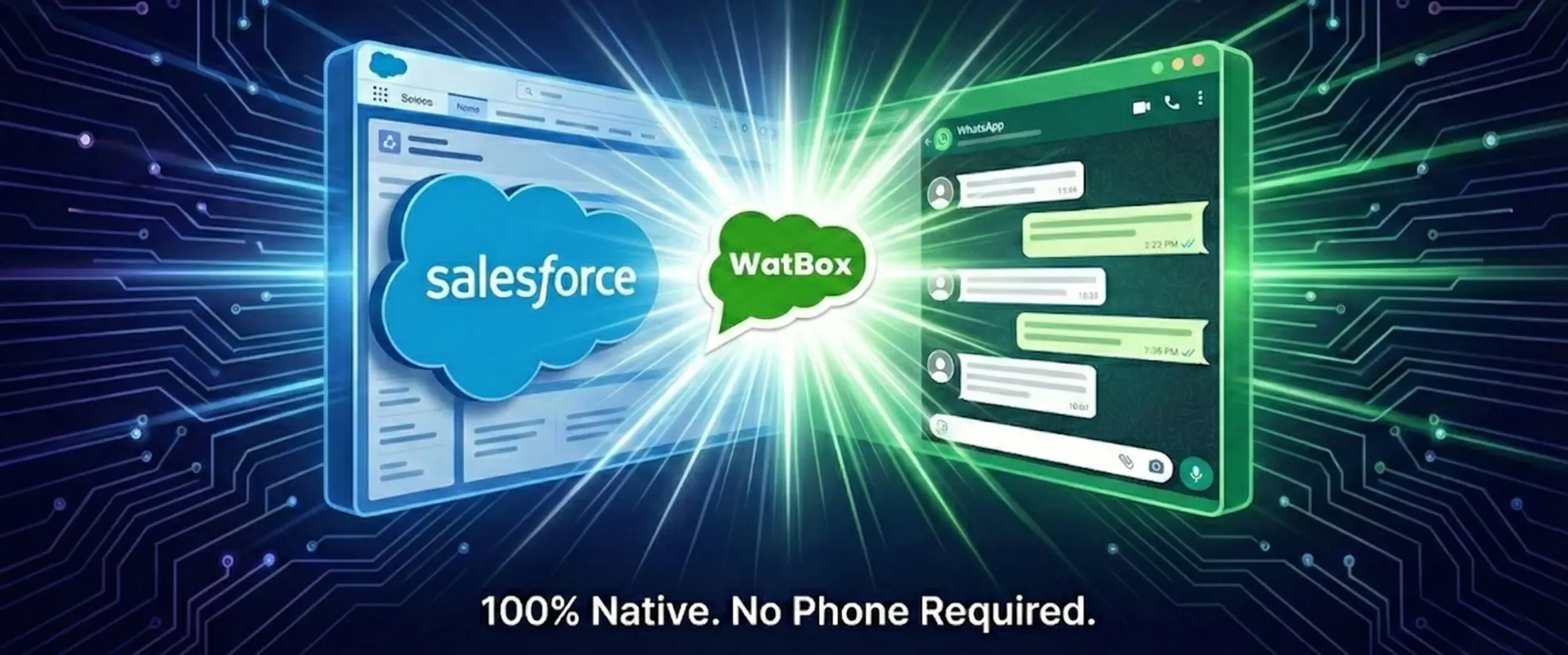
- Unified Interface: We embed WhatsApp directly into the Salesforce utility bar. Agents receive and reply to messages without ever leaving the screen where customer data lives.
- Intelligent Routing: WatBox leverages Salesforce Omni-Channel logic to instantly route incoming WhatsApp messages to the right agent based on availability and skill set.
- AI-Assisted Responses: Agents can access a library of pre-approved templates and AI-suggested replies to answer common queries in seconds, helping you revolutionise customer interaction.
- Workflow Automation: We utilize Salesforce Flows to trigger automated WhatsApp follow-ups for generic tasks (like meeting confirmations), freeing up humans for complex conversations.
- Granular Analytics: Managers get a real-time view of agent performance, including average response time and message volume, directly in Salesforce reports.
Ready to Speed Up?
Don't let another lead go cold because of a slow process.
Book a free personalized demo with us today. The WatBox team will help you diagnose your current communication bottlenecks for free and show you exactly how to shave minutes off your response time.
Prefer to explore on your own? Start your 15-day free trial—no strings attached

Level up WhatsApp Integration with Salesforce
Start with a 15 day trial for you to taste the CRM + WhatsApp interactions!